Project management for VFX and CGI
Version review with drawing on the frame, watching together with the team, approvals and notes exported to Resolve — everything a film, advertising or animation studio needs.
Free plan · your client needs no account
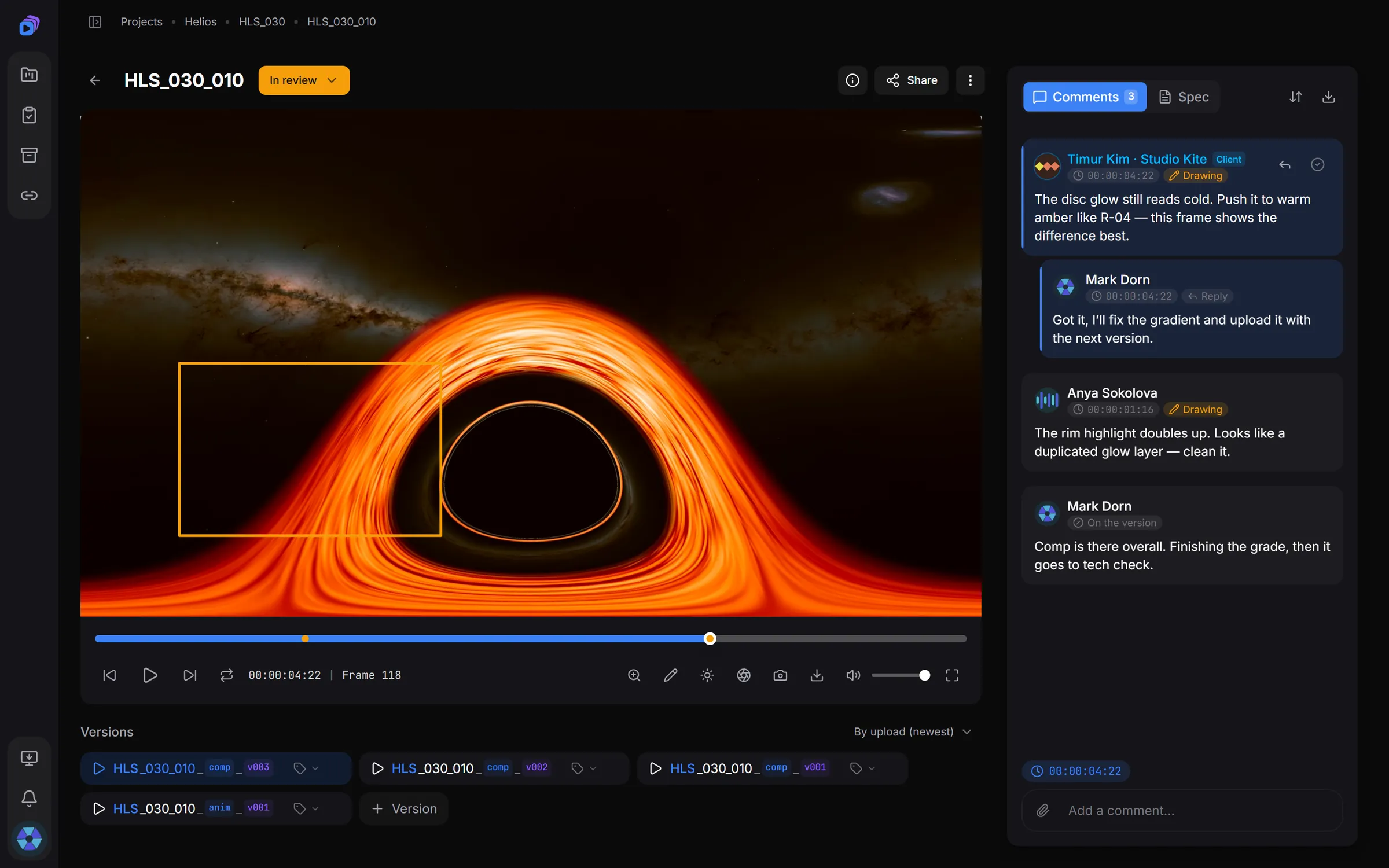
Everything a shot needs on its way through the pipeline
Tools built for the VFX and CGI industry, not adapted to it
01Studio structure out of the box
Projects, sequences and shots under one naming convention: HLS_010_020_comp_v001 assembles itself.
02Frame-accurate review
A player with precise frame stepping, timecode and versions by stage: comp, anim, track and your own.
03Notes drawn on the frame
Draw straight on the video — arrows, boxes, brush. Notes reach the whole team instantly.
04Watch together
A synchronised session in real time: the host drives the player, the team sees the same frame.
05Version compare
Two versions side by side, playing in sync — what changed is obvious at a glance.
06Approvals and dailies
Approve or send back for changes in one click; review sessions with a verdict on every shot.
07Notes that reach the timeline
A CSV checklist or EDL markers for DaVinci Resolve and Premiere — notes land on the timeline itself.
08Client access
Client accounts with fine-grained rights, and public links to a shot — the client needs no account at all.
What it looks like in practice
Real screens from the app — not drawn mockups.
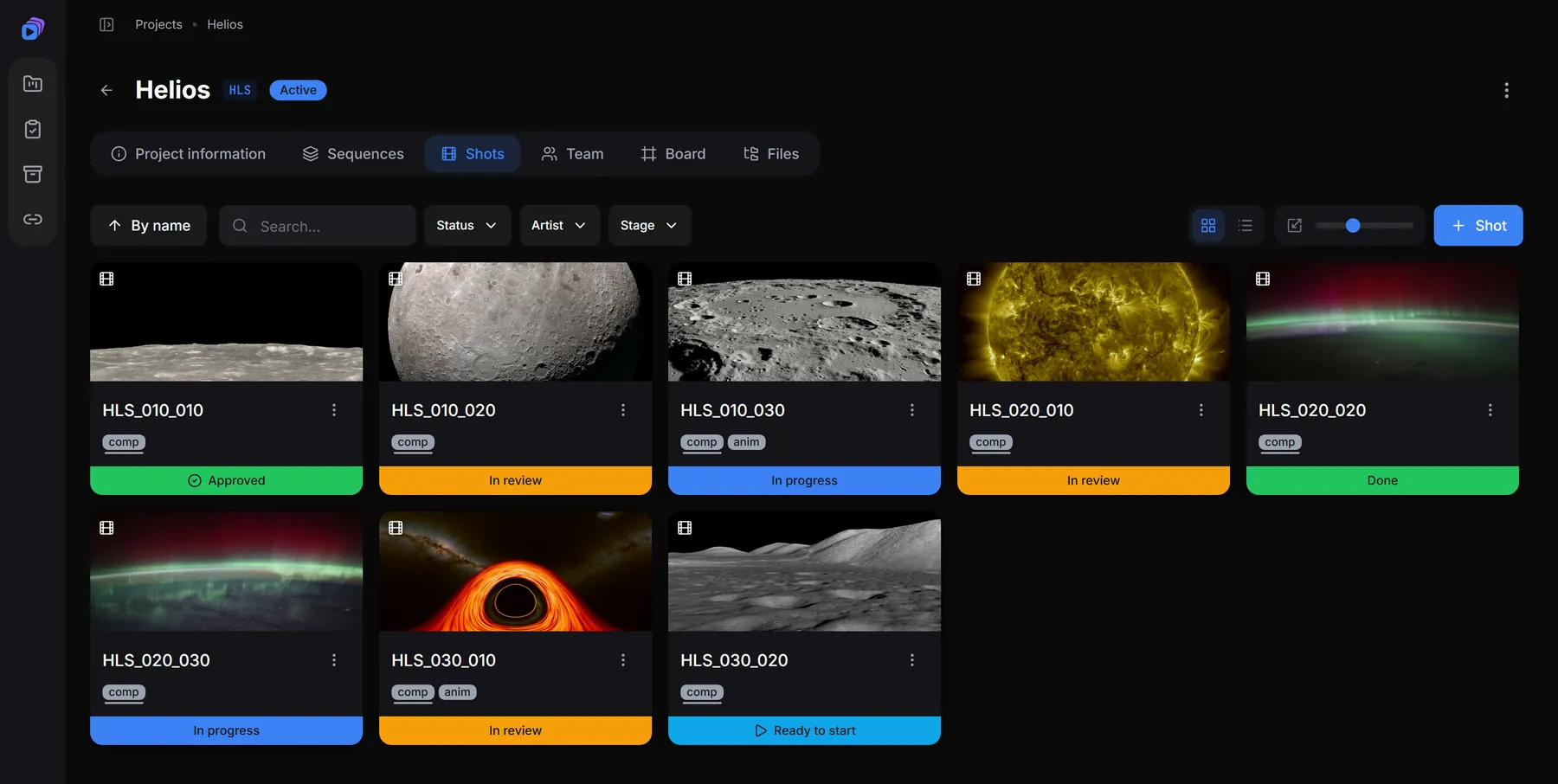
Every shot of the project on one screen
Latest-version preview, stage and status right on the card. Filters by status, artist and stage show what is on fire and what is already approved.
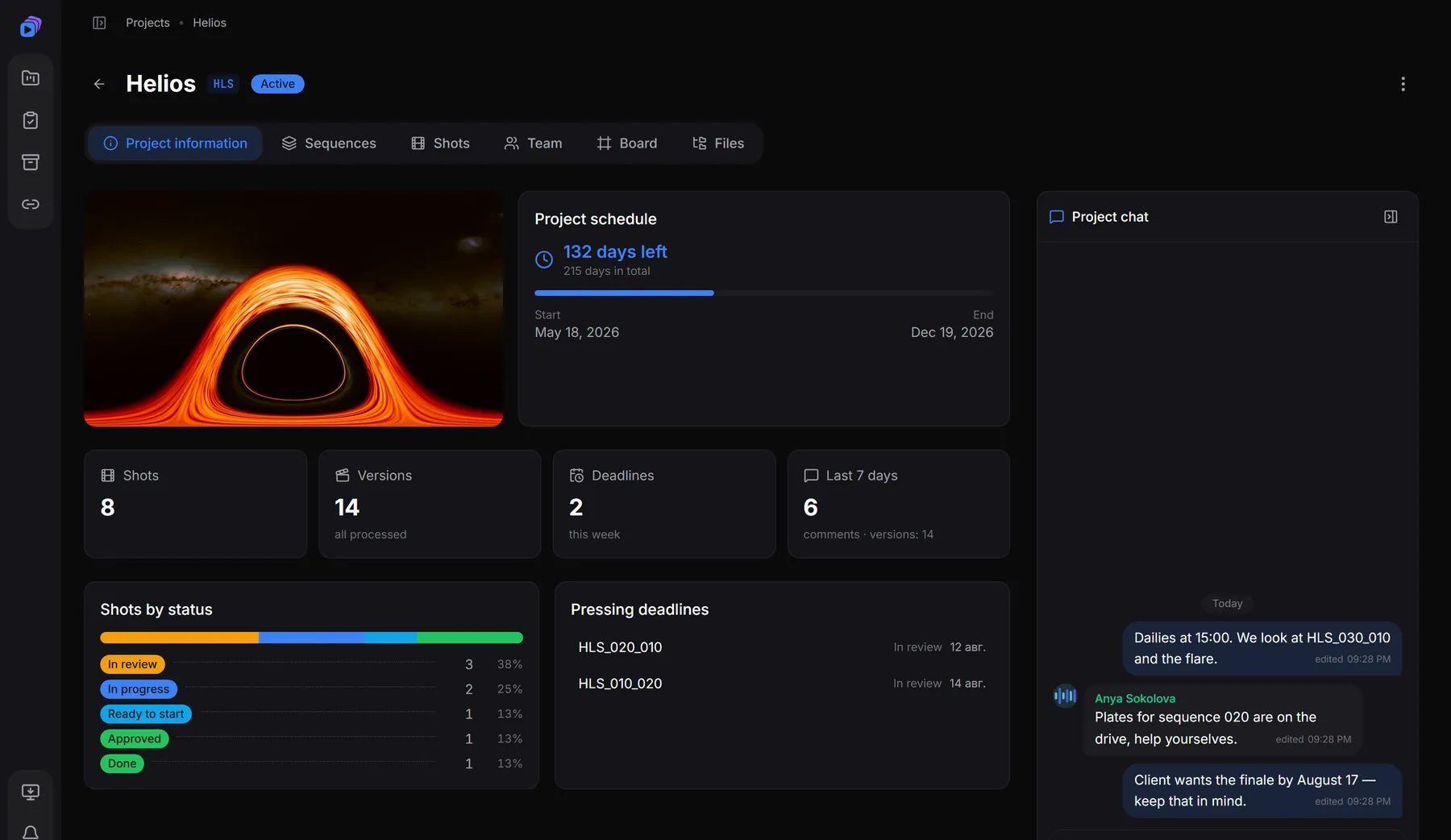
The whole project: dates, deadlines, chat
Time left until delivery, shots broken down by status, the nearest deadlines and the team chat — all in the Overview section.
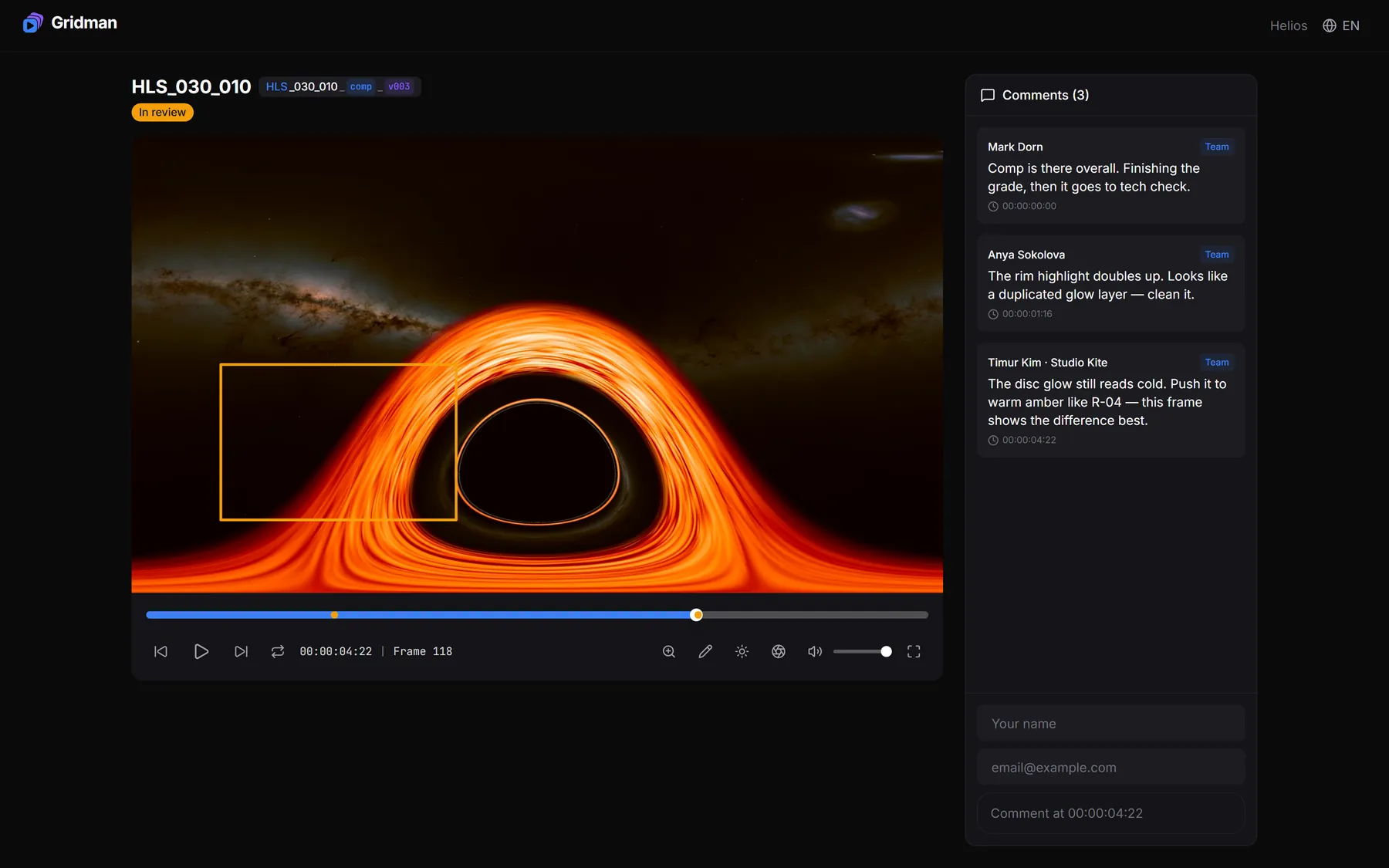
A link for the client — no sign-up
The client opens the shot in a browser, goes to the frame in question and leaves a comment. Link lifetime, watermark and whether other people’s notes are visible stay on your side.
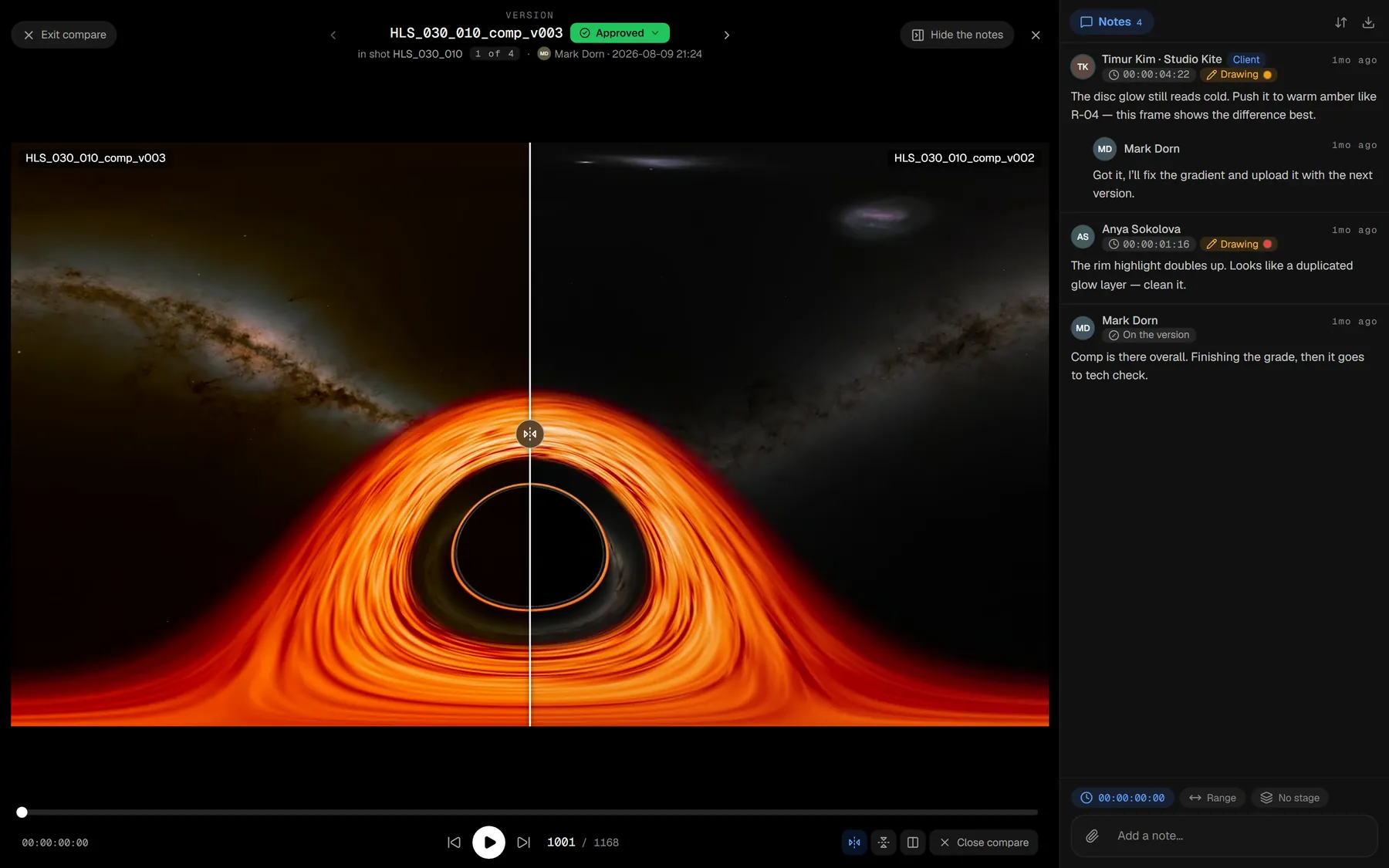
Two versions side by side — see what changed
A wipe or two halves of the frame, playback shared: scrubbing moves both versions at once, so the frames never drift apart. A note remembers which pair of versions it came from.
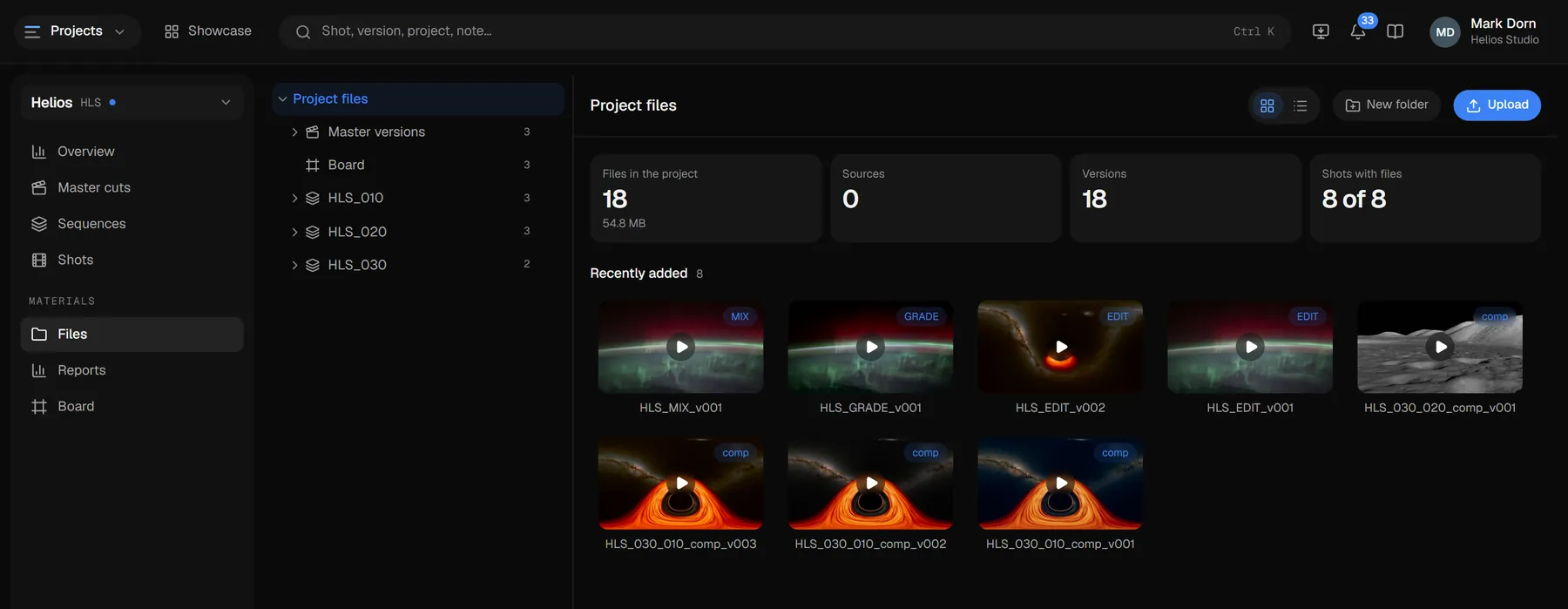
Every project file on one screen
Plates, project files, brief attachments, the board and LUTs — one tree built the way the project is. Several files come down as a single archive, and large ones upload resumably.
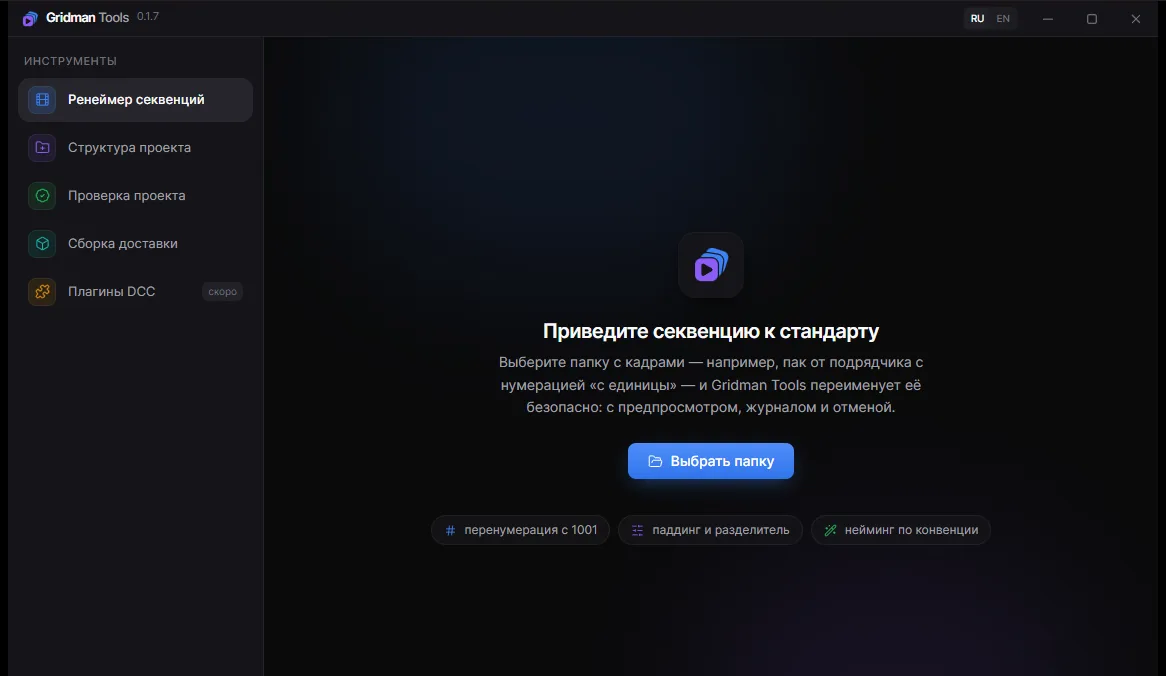
Gridman Tools
Desktop companion for workstations
- Sequence renamer — Start at 1001, padding, separator, names by convention. Preview, journal and undo — nothing gets lost.
- Transcode — A frame sequence on the workstation becomes a proxy for review or editing in one click — no server involved.
- Send a version — A file from the workstation goes up as a new shot version — a resumable upload that bypasses the browser.
- Gridman link — Shot panels in Nuke, After Effects and Blender, sending renders from DaVinci Resolve: installed in one click, updated together with the app, and they take the access key from it.
Your first shot today
Create a project, upload a version and send the link to your client. Signing up takes a minute.