Gridman Tools
Desktop companion for workstations
A Windows app: brings sequences to your standard, lays out project folders, checks frames before handover, assembles deliveries and sends versions to Gridman straight from the workstation. Works offline — signing in is only needed for what comes from Gridman.
What it does
seven tools — the same as in the app sidebar; everything except sending versions works without signing inStart at 1001, padding, separator, names by convention. Preview, journal and undo — nothing gets lost.
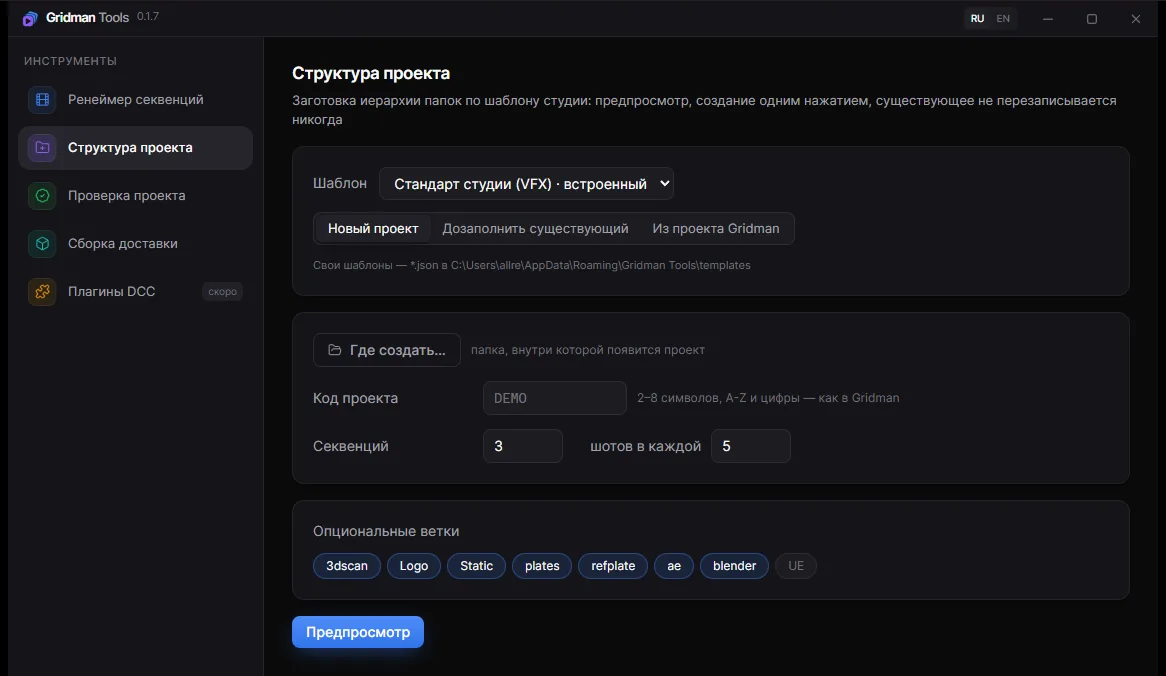
Project folders from your studio template — a new project, filling in an existing one, or real shots from Gridman.
Gaps in numbering, zero-byte and half-written frames, version range mismatches, junk and foreign shot codes.
Latest versions from every exports folder, copied into a delivery folder with a manifest.csv.
A frame sequence on the workstation becomes a proxy for review or editing in one click — no server involved.
A file from the workstation goes up as a new shot version — a resumable upload that bypasses the browser.
Nuke, After Effects, Blender, DaVinci Resolve: installed in one click, updated together with the app, and they take the access key from it.
Installation
How to install
- 1Download the installer and run it
- 2It installs into your user profile — no administrator rights needed
- 3Sign in inside the app to lay out folders from your Gridman projects and send versions
Windows will warn you on first launch
The app is not code-signed yet, so SmartScreen asks for confirmation: click “More info”, then “Run anyway”. Updates after that install without any prompts.